
Key takeaways
- Marketing automation sends the right message at the right time based on what people do, without manual effort each time.
- Start with a few high-value automations: welcome, enquiry follow-up, abandoned basket, post-purchase and review requests.
- Clean data and clear consent matter more than clever tools; follow UK rules on marketing emails and texts.
- Measure each automation by revenue or enquiries, and review the messages at least every few months.
Marketing automation means using software to send the right message at the right moment, automatically, based on what people do: subscribing, enquiring, abandoning a basket, buying, booking or going quiet. For small businesses, the value is simple. A few well-chosen automations work in the background every day, following up leads faster, bringing customers back and collecting reviews, without anyone having to remember to do it.
The secret is to start small. This guide covers what marketing automation is, the first automations worth setting up, how to choose tools, how to stay within UK rules, and how to measure results.
What is marketing automation?
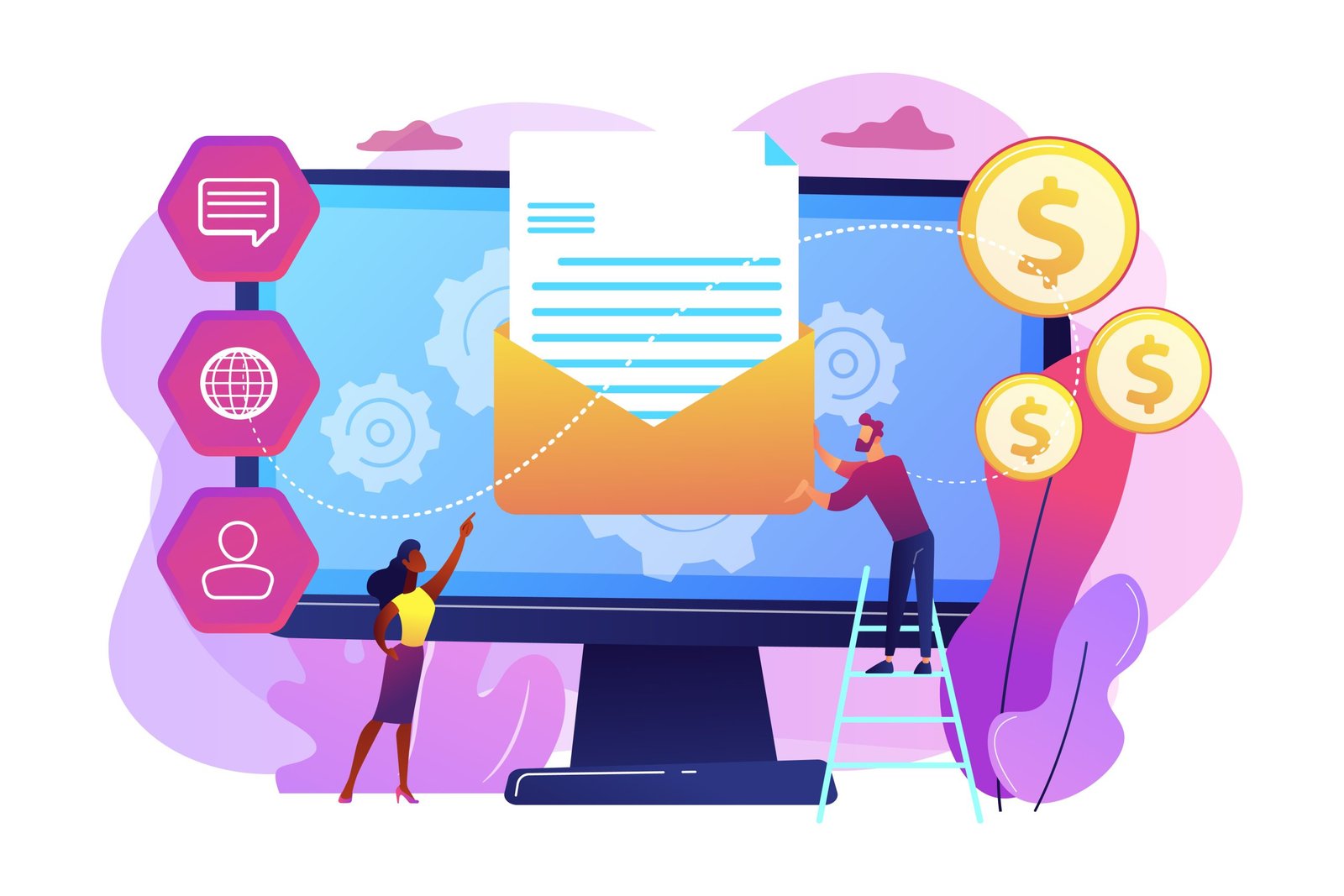
Every automation has three parts:
- A trigger: something that starts it, such as a form submission, a purchase, a date or a period of inactivity.
- Conditions: rules that decide who receives what, such as which product was bought or whether someone has already booked.
- Actions: what happens next, such as sending an email or text, adding a tag, notifying a team member or creating a task.
Automation does not mean impersonal. The best automations feel like a thoughtful business remembering to follow up at the right time.
Why small businesses benefit most
Small teams rarely have time to follow up every enquiry promptly, thank every customer, ask for reviews consistently or remind past customers to rebook. These are exactly the tasks automation handles well. A few hours spent setting up automations can save hours every week and recover revenue that would otherwise slip away.
The first automations worth setting up
1. Instant enquiry follow-up
When someone submits a form, send an immediate confirmation that thanks them, says what happens next and when, and gives a phone number for urgent questions. Notify your team at the same time. Fast responses make a big difference to whether you win the work, and an instant acknowledgement buys time while you prepare a proper reply.
2. Welcome series
When someone joins your email list, send a short series of two to four emails over a week or two: a welcome and what to expect, your most useful content or best-selling products, your story and proof such as reviews, and a clear offer or next step. Welcome emails are usually among the most opened and clicked emails a business sends.
3. Abandoned basket or booking reminders
For online shops and booking systems, a reminder when someone leaves without completing a purchase or booking recovers a meaningful share of lost sales. Send the first reminder within a few hours, with a picture of what they left and a simple way back. Our guide to abandoned cart emails covers timing and content.
4. Post-purchase or post-job follow-up
After a purchase or a completed job, send a thank-you, useful information such as care tips or what to expect next, and a check that everything went well. This reduces returns and complaints, builds loyalty and gives customers a chance to raise issues privately.
5. Review requests
A few days after a job or delivery, send a short request for a review with a direct link. Consistent review requests are one of the most effective things a local business can automate. Only ask for genuine reviews; incentivising or faking reviews has been unlawful in the UK since April 2025. See our guide on getting more Google reviews.
6. Rebooking and replenishment reminders
If your service or product has a natural repeat cycle, such as an annual boiler service, a dental check-up, a haircut or a consumable product, send a reminder when the next one is due. These emails often bring repeat business with almost no effort.
7. Win-back emails
When a customer has not bought or booked for a while, a friendly check-in, an update on what is new or a modest offer can bring them back. Keep the tone helpful rather than desperate.
Choosing tools
Many email platforms now include automation, so you may not need a separate system. When choosing, consider:
- Integrations: does it connect easily with your website forms, shop, booking system or CRM?
- Ease of use: can you build and edit automations yourself?
- Email and SMS: do you need both channels?
- Pricing: is it based on contacts, emails sent or features, and how will it change as you grow?
- Reporting: can you see revenue or conversions from each automation?
- Data location and compliance: does it support UK GDPR requirements?
For small businesses, tools such as Brevo and MailerLite are popular starting points, Klaviyo is widely used by online shops, and CRMs such as HubSpot combine automation with sales pipelines. Our guide to free marketing tools lists free tiers worth trying.
Get your data right
Automation is only as good as the data behind it. Before building anything:
- Make sure forms, shop and booking systems pass the right information into your email or CRM tool.
- Record how and when each contact gave consent.
- Capture useful details such as what someone enquired about, bought or booked, so messages can be relevant.
- Remove duplicates and clean out invalid addresses.
Segmenting contacts by what they need lets one automation serve different groups appropriately. Our guide to email segmentation covers practical approaches.
Stay within UK rules
Automated marketing must follow the same rules as any other marketing. In the UK, the Privacy and Electronic Communications Regulations (PECR) and UK GDPR apply. In broad terms:
- You generally need consent to send marketing emails and texts to individuals.
- The “soft opt-in” can allow marketing to existing customers about similar products or services, if they were given a clear chance to opt out when you collected their details and in every message.
- Every marketing message must include an easy way to unsubscribe, and unsubscribes must be honoured promptly.
- Transactional and service messages, such as order confirmations and appointment reminders, are treated differently from marketing, but should not be used to slip in heavy promotion.
The Information Commissioner’s Office publishes detailed guidance. If you are unsure, check it or take advice before sending.
Writing automated messages that feel personal
- Write as a person, not a brand: use a real sender name where appropriate.
- Use the details you have, such as the service enquired about, not just a first name.
- Keep each message focused on one purpose.
- Make replies welcome, and make sure someone reads them.
- Avoid sending automated messages that contradict what has happened, for example a sales email to someone who has just complained.
Testing and maintaining automations
Before switching an automation on, test it with your own email address and phone number: submit the form, make a test purchase or trigger the condition, and check every message arrives on time, looks right on mobile and links to the correct pages. Check that people who should not receive a message, such as customers who have already booked, are excluded.
Once live, review each automation every few months. Prices, offers, team members, opening hours and links change, and an automation quietly sending outdated information can do more harm than good. Keep a simple list of every automation you run, what triggers it and who is responsible for it, so nothing is forgotten as the business grows.
Measuring results
Judge each automation by what it achieves, not just opens and clicks. Track enquiries, bookings, sales, reviews and repeat purchases attributed to each one, and compare with the period before you set it up where possible. Check deliverability too: if messages land in spam, nothing else matters.
Automation beyond email
Email is the most common channel, but automation can do much more:
- Text messages for appointment reminders, delivery updates and time-sensitive offers, where consent allows.
- Internal alerts that notify the right team member when a high-value enquiry arrives or a customer leaves a negative review.
- CRM tasks that remind staff to call a lead who has not responded, or to check in with a customer after a big job.
- Lead scoring that flags contacts who visit pricing pages or open several emails, so sales can prioritise them.
- Audience syncing that updates advertising audiences automatically, for example excluding recent customers from acquisition ads.
Example: automation for a local service business
Here is how a simple set of automations might work for a kitchen fitter:
- Enquiry received: the customer gets an instant email confirming the enquiry, explaining that someone will call within one working day and linking to a gallery of recent projects. The owner gets a text alert with the details.
- No reply after two days: if the lead has not booked a survey, a friendly follow-up email offers survey slots and answers common questions about cost and timing.
- Survey booked: a reminder is sent the day before, with what to prepare.
- Job completed: a thank-you email with care instructions for worktops and appliances, followed three days later by a review request.
- A year later: a check-in email asks how the kitchen is, offers any adjustments and mentions other services, such as utility rooms or bathrooms.
Each step takes minutes to write once, then runs for every customer, keeping communication consistent even in the busiest weeks.
Common mistakes
- Building complex workflows before the basics are working.
- Setting automations live and never reviewing them.
- Sending too many messages too quickly.
- Using poor or outdated data, so messages are irrelevant.
- Ignoring consent and unsubscribe rules.
- Not testing triggers, so people receive the wrong message or none at all.
Getting started
Pick two automations that match your business: for service businesses, instant enquiry follow-up and review requests; for online shops, a welcome series and abandoned basket emails. Set them up properly, test them, measure them for a month, then add the next. If you would like help planning or building them, our marketing automation service covers strategy, set-up, copywriting and reporting.
How Eigme can help
Turn this into results.
We can help you put this into practice with a clear plan, hands-on delivery and reporting in plain English.
Book a free strategy call →Frequently asked questions
What is marketing automation?
Marketing automation is the use of software to send marketing messages or take actions automatically when certain conditions are met, such as sending a welcome email when someone subscribes, a reminder when a basket is abandoned or a review request after a purchase. It saves time and makes communication more timely and relevant.
Is marketing automation worth it for a small business?
Usually, yes, if you start small. A handful of well-written automations, such as a welcome series, enquiry follow-up and review requests, can run for months with little upkeep and bring in steady enquiries, sales and reviews. Avoid building complex systems before the basics are working.
What are the best marketing automation tools for small businesses?
Many email platforms, such as Brevo, MailerLite, Mailchimp and Klaviyo for online shops, include automation features. CRMs such as HubSpot also offer them. The best choice depends on your platform, budget and needs; start with the tool that integrates with your website, shop or booking system.
Do I need consent to send automated marketing emails in the UK?
Generally, yes. Under the Privacy and Electronic Communications Regulations, you need consent to send marketing emails or texts to individuals, unless the soft opt-in applies to existing customers who bought or negotiated to buy from you and were given a chance to opt out. Service messages, such as order confirmations, are different from marketing.
Which automation should I set up first?
For most service businesses, start with an instant enquiry follow-up and a review request after each job. For online shops, start with a welcome series and abandoned basket emails. These usually bring the quickest, most measurable returns.